


 By
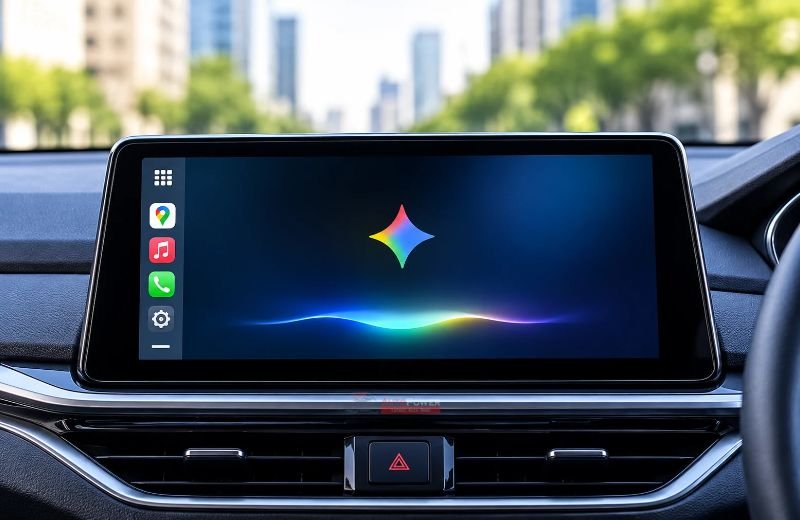
Google has expanded its Gemini AI assistant to Apple CarPlay, allowing iPhone users to access AI-powered conversations through their car’s infotainment display. The integration brings Google’s conversational assistant into the driving experience, offering hands-free help with everyday tasks, planning and information.
The rollout is now underway globally for Gemini users on iOS. Drivers can open the Gemini app through CarPlay and continue conversations they previously started on their iPhones. The assistant can also respond to multiple questions and provide natural-sounding answers during a journey.
What Can Gemini Do on Apple CarPlay?
Gemini offers several features designed to help drivers manage their daily activities while travelling. Users can ask about upcoming calendar appointments, check when they need to leave for a meeting, or prepare talking points before reaching their destination.
The assistant can also summarise recent emails and retrieve relevant information from connected Google Workspace services. These features require users to grant the necessary permissions.
Drivers can also use Gemini to discover interesting places, local attractions and nearby landmarks. This adds another way to explore unfamiliar areas without manually searching for information on a phone.
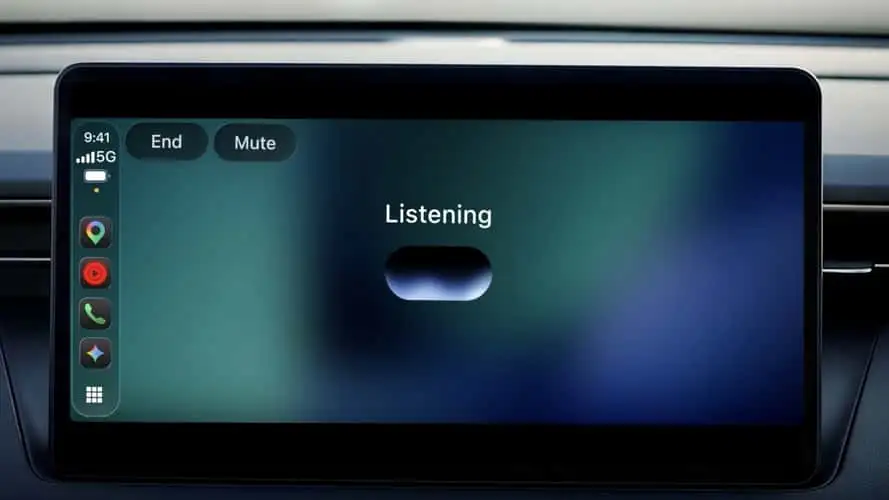
Google designed the integration to support natural conversations. Drivers can speak at their own pace, ask follow-up questions and interrupt Gemini while it responds.

How to Use Google Gemini With Apple CarPlay
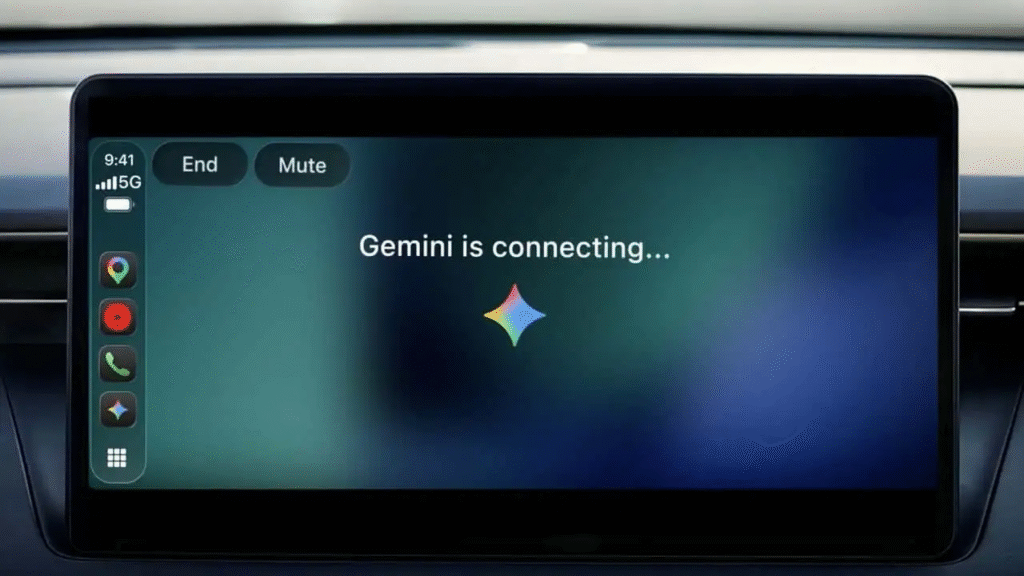
Unlike some voice assistants, Gemini does not activate through a wake word on CarPlay. Drivers must first tap the Gemini app icon from the CarPlay app drawer or side rail to start a conversation.
Google requires users to meet a few conditions before the feature appears. They must install the latest version of the Gemini app on their iPhone and enable microphone permissions. Users must also have used Gemini Live at least once on their phone.
Also read Changan Announces Special Offers on NEVO Hunter and Deepal S05
Once these requirements are met, connecting the iPhone to Apple CarPlay should make Gemini available on the vehicle’s display.
Another useful feature is automatic conversation syncing. Gemini saves CarPlay conversations in the iPhone app. Drivers can review previous discussions after parking.
Gemini Expands Its Presence on Apple Devices
The CarPlay integration marks another step in Google’s efforts to bring Gemini to Apple’s ecosystem. Last month, Google also introduced Gemini into the CarPlay experience within its Maps navigation app.
The latest update gives iPhone users another way to access Google’s AI assistant while driving. Its calendar, email and local discovery features could make routine journeys more convenient.
However, drivers should use the assistant responsibly and keep their attention on the road. Google has designed Gemini for conversational use, but drivers should avoid unnecessary interaction with the infotainment screen while moving.